Wednesday, 13 November 2013
Review of Miley Cyrus Website
This is the official homepage of child star and singer Miley Cyrus. The website is quite crammed with pictures and animations, and it is hard to navigate as you are so overwhelmed with information. I do like the idea of pictures of the artist over a home page, however, I think that this one looks messy. Also, they have an animation of a 'joint' which when clicked on, leads to a whole screen of cartoon marijuana leaves, so this website is obviously not child friendly. The website doesn't follow the convention of left to right either, the logo and navigation bare are towards the middle of the screen. Overall, the layout of the website is fairly simple and looks messy.
Review of Lily Allen Website.
This is the homepage for singer/songwriter Lily Allen. As you can see, it is a basic white background with bold black text with her name. The whole focus of the website seems to be on media platforms, such as Facebook, Twitter, Youtube, Tumblr, Instagram, Google +, Sound Cloud, iTunes and Spotify, these social networking sites are displayed through pictures, there are no text to portray what they are, so it must be assumed that the people viewing this website, will be familiar with these websites. There has been a text box inserted for people to write in, however, it has no link to another page and is not a search bar, so I am unaware as to why that is there. There are no pictures of the artist, so it is not a distinctive web page. The whole idea of this website, is to get people to follow and listen to the artists music, there are no links to a gallery, no previous tour pictures and no contact information.
The website is in a basic sans serif font, like most websites, so it is easy to read, the text is bold and big so is stands out. However, the whole colour scheme and lack of graphics really makes the website dull and dissappointing.
Codes and Conventions of a Website.
1. The logo should be at the top left hand side of the page. This would be the artist logo in this case, it is also sometimes referred to as site ID, it should be placed in the top left corner of the site. This is the first place the audience will look to identify what site they are on. People normally use the 'Z' rule, where they read from left to right.
2. The logo should link back to the homepage. The point is very important on information heavy websites or if the link to the homepage is not clear and easily visible. By clicking on the logo, visitors should expect to go back to your website home page.
3. Links are underlined and in a different colour than the text. Do not rely on colour to differentiate links from 'normal' text because around 10% of the population suffers from colour blindness. Links are usually underlined and blue, but it is a common practice to match the colour to the branding of the site.
- Do not use underlined text for non-links as visitors expect all underlined text to be a link.
- Headings are sometimes underlined, but the line is usually not continuous or in a different colour.
- Many main navigation links arent underlined because they possess other features that make them easily recognisable.
4. The navigation stands out and is consistent throughout the site. Consistent navigation means that is is always at the same place, preferably above the fold, at the top or on the side. It behaves the same way throughout the website and can easily be identified. The page/section the visitor browses is usually differentiated from the others to let them know what they are.
5. If something looks like a button, it should act like on. Form buttons should submit or clear the form, navigation buttons should take your visitors to a new page.
Monday, 14 October 2013
Construction Of My Music Video.
The software I am using to create and edit my music video is Adobe Premier Pro CS4, I have never used this program therefore, I have been watching tutorials on YouTube, to pick up tips on good editing techniques, however, this is not the solution for all aspects of the software.
Editing Techniques:
'The Razor Tool'
- This is the most common editing technique that I have used since starting to create my music video, this tool enables me to cut my clips shorter, or delete out unwanted errors. It is simple to use, by cutting the clip into sections, and deleting the unwanted sequence. Here is an example:
'Opacity'
- I have used this editing effect twice throughout my video, and this puts two clips on top of each other, making them ghost each other, I think this is very effective, to create a more authentic image. I placed the clips on top of each other, and reduced the opacity on one of the images to 50%. Here is an example:
'Colour Correction & Contrast and Brightness'
- These two editing techniques have been used on most of my clips, mainly the contrast and brightness, trying to make the clips look the best quality they possibly can, and making sure they are all equal in colour, to try and make it look like all clips were filmed in the same kind of daylight. The colour correction tool is also a really good extra to make image quality even better, this allows me to reduce any kind of shadowing on the image, and also edit the colour features. Here is an example:
'Speed & Duration'
- Throughout my video, I have slowed many clips down, either to make a more dramatic scene, or to emphasize the force behind some of my artists actions, the lowest I reduced speed to was 25% here is an example of this:
Editing Techniques:
'The Razor Tool'
- This is the most common editing technique that I have used since starting to create my music video, this tool enables me to cut my clips shorter, or delete out unwanted errors. It is simple to use, by cutting the clip into sections, and deleting the unwanted sequence. Here is an example:
'Opacity'
- I have used this editing effect twice throughout my video, and this puts two clips on top of each other, making them ghost each other, I think this is very effective, to create a more authentic image. I placed the clips on top of each other, and reduced the opacity on one of the images to 50%. Here is an example:
'Colour Correction & Contrast and Brightness'
- These two editing techniques have been used on most of my clips, mainly the contrast and brightness, trying to make the clips look the best quality they possibly can, and making sure they are all equal in colour, to try and make it look like all clips were filmed in the same kind of daylight. The colour correction tool is also a really good extra to make image quality even better, this allows me to reduce any kind of shadowing on the image, and also edit the colour features. Here is an example:
'Speed & Duration'
- Throughout my video, I have slowed many clips down, either to make a more dramatic scene, or to emphasize the force behind some of my artists actions, the lowest I reduced speed to was 25% here is an example of this:
First Draft & Feedback
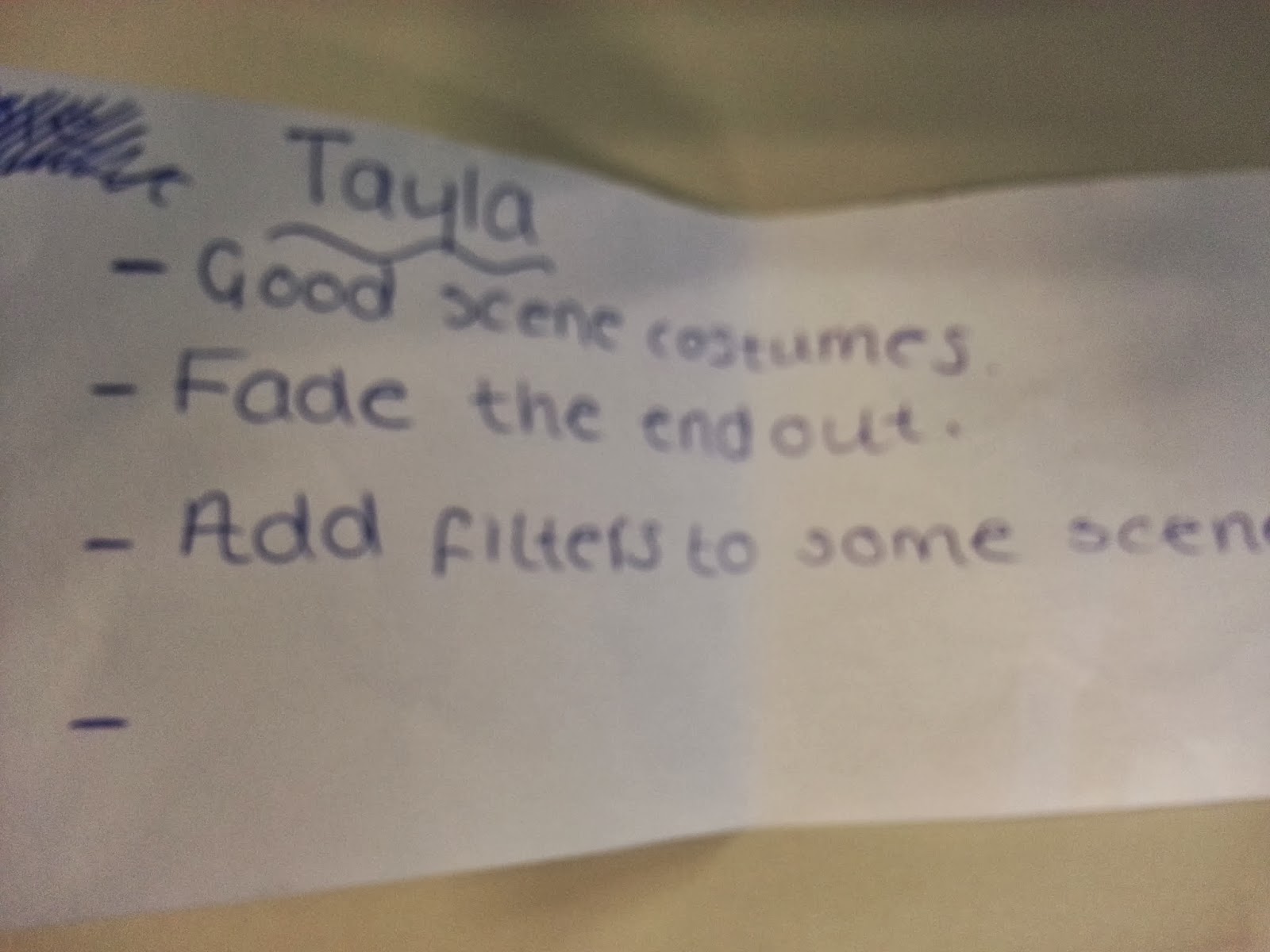
When collecting feedback for my music video, I have chosen to receive it from a class of 30 year 9 (14 year old) girls, (who are my target audience) to watch my video, and share there thoughts with me on a sheet of paper. I have chosen the ones the most pleased me, with the best constructive critisism.
This girls feedback, was really nice, as she had taken note of the editing effects that I had used, but also left really good feedback, I will alter the end of my video slightly, and then see how my audience feels.
Although I think it is important to listen to audience feedback, there was only one critisism out of 30 people regarding the artist hitting the wall, I will not be removing this scene, as I think this is an important part of the video, as it connotes her anger and frustration towards the man who has hurt her. However, I will shorten the clip.
I really appreciated this audience feedback, as I found it really motivating, as I know there is a lot I need to do, but atleast my target audience do like it.
I feel that this was some really good feedback, as I hadn't really added any filters or transistions to my video yet, so I will be acting immediately in terms of this feedback. I also agree that the ending is a bit sharp, so needs to be faded out so it sounds natural.
This was one of my favourite pieces of feedback, as it took me so long to get the lip sync in time with the music, so it is a relief that this looks well done to my target audience.
Photoshoot!
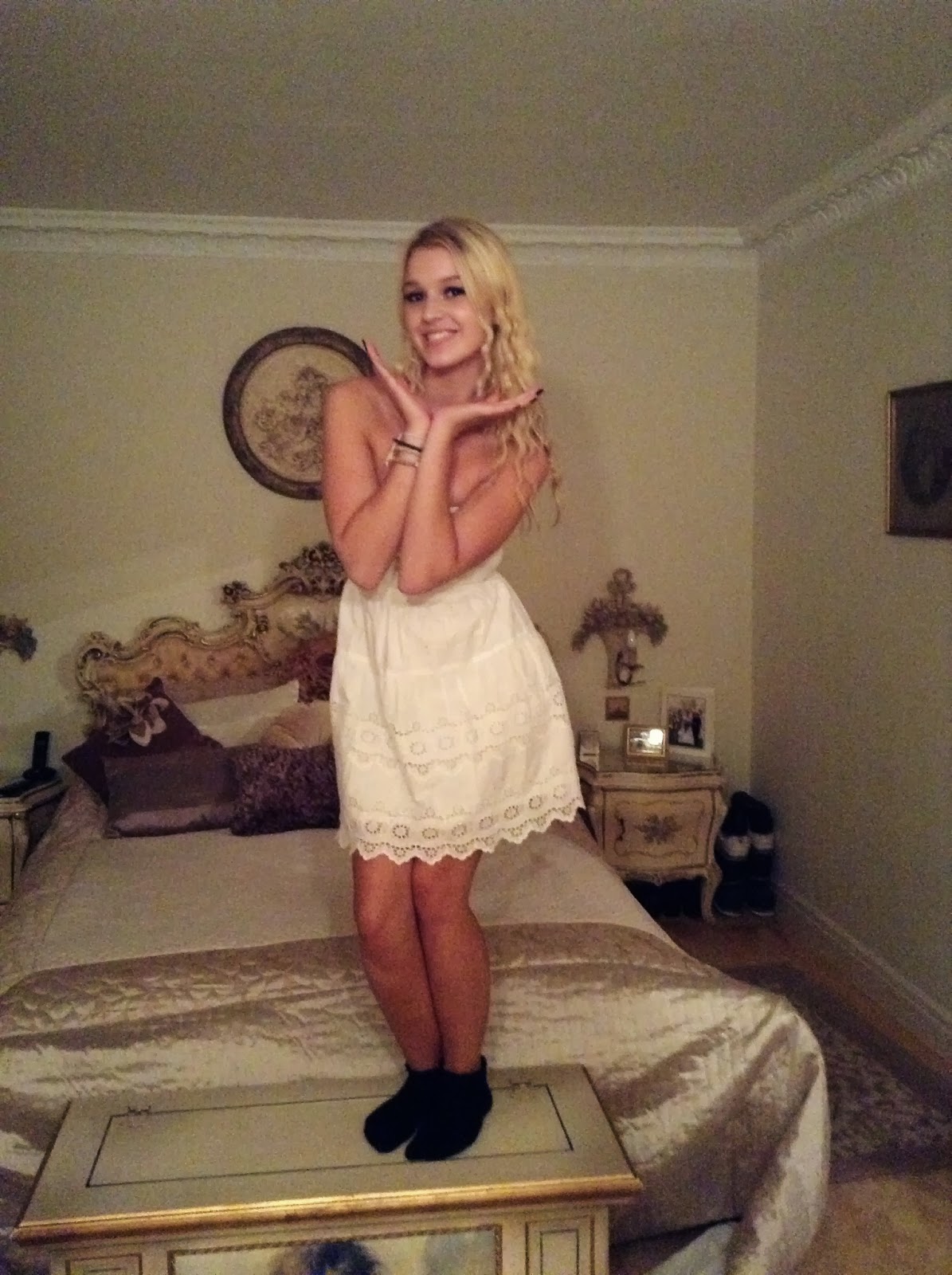
Here are the images of my photo shoot, which I plan to use in my ancillary tasks, I have chosen to do different approaches towards my artists attitude, as I am going to be creating a homepage for an artists website, as well as an album cover. As I am yet to decide on my approach, I thought it was best to be safe, and cover all angles.
I have chosen for my artists, to do this pose as I think it creates a 'sweet' image, and connotes the innocent of my artist, even after she's been through such heart break, and has been so emotionally damaged. I also think that this connotes the artist thinking.
Here I have asked my artist to look at the camera with a 'blank expression' I have used a long shot to include her whole body. This shows that even after all that she has been through, that she is still whole.
In the above two images, I have my artist smiling, as these images could be for a webpage, and I want my artist to be accessible to fans, I want her to be friendly and warm, so that she has a bigger fan base, making her more popular in an industry.
In the above four, I have asked my artist to be playful, to connote her warmth and friendliness, I was thinking of having a link to a gallery, on the homepage of my website, and these are the sort of images I would include on that page.
I think this is a really good image, showing how empty my artist is, however, I will not be able to use it, due to the blurriness in the image.
I think this is a very flattering image of my artist, and hope to be able to include it somewhere in my project.
In the pictures below, I have used the same approach as the ones above, however, changing location, moving to a bathroom, as the bathroom has good lighting, pure white walls, and very vintage looking features. I also chose this location, as a less packed background would make it easier to edit in Adobe Photo Shop.
My final images are of my artist standing on a lower step. I have used high angle shots, to connote how small my artist feels, after being broken by someone she loved. I think that by her looking up at the camera, it shows her searching for an answer.
Subscribe to:
Posts (Atom)